
 Português
 Deutsch
 English (UK)
 Español
 Français
 Italiano
 日本 (日本語)
 中国大陆 (简体中文)
Fiery FreeForm Create
Free, easy VDP
Create personalized prints fast with Fiery FreeForm Create, the free and intuitive VDP software for adding variable text, images, and barcodes to any job.

2025 PRINTING United Alliance Pinnacle Award
Best Variable and Transactional Software

FreeForm Create group
Join the FreeForm Create group to interact with Fiery experts and your peers (free to join, registration is required). You can even sign up for early access to upcoming releases.

Overview
Personalized printing made simple
Fiery FreeForm Create is a free, stand-alone application that makes it easy to add personalization to any print job — no design skills required. Add variable text, images, and barcodes to files in minutes to create impactful, customized pieces that connect with your customers. Seamlessly integrated with Fiery servers, it’s the fast, free way to add value to every print.
What makes Fiery FreeForm Create different?
Fiery FreeForm Create stands out from other variable data tools by delivering a powerful yet effortless way to personalize documents – without added costs or complex software.
A unified VDP workflow across your print room
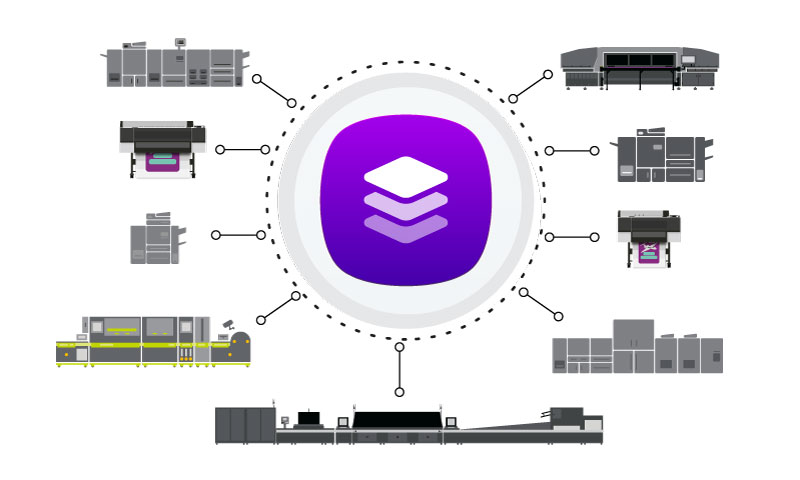
Fiery FreeForm Create is compatible with the following Fiery Driven presses, providing a consistent VDP creation process – no matter which press you print to.
- Cutsheet presses
- Large format printers running Fiery XF 9 or newer software (including Fiery proServer)
- High-speed inkjet presses (including Fiery Impress)
Free and stand-alone
- Unlike other VDP tools that require paid subscriptions or add-ons, Fiery FreeForm Create is a fully free, stand-alone application that’s ready to go.
- Makes it easy for PSPs, in-plants, packaging producers, and large-format print providers to design and sell personalized print that delivers more targeted, impactful communications.
- Explore variable data printing at zero cost and build real-world experience with an intuitive tool that grows with your business.
Efficient file processing
- Compared to many mail merge or VDP applications, Fiery FreeForm Create produces optimized, smaller files that reduce processing time by up to 80%, leveraging exclusive Fiery technology for faster page processing.
- This includes techniques to accelerate color management, data compression, and rendering, making it highly efficient for handling large volumes of personalized content, especially in print environments.
User-friendly interface
- Intuitive, drag-and-drop interface that makes it easy for users with no advanced VDP knowledge to create personalized files quickly and efficiently.
- The visual preview allows users to see how variable content will look on the final document, which reduces errors and enhances the creative process.
Integration with Fiery workflows
- FreeForm Create integrates seamlessly with other Fiery tools like Fiery Command WorkStation, Fiery Impose, and Fiery JobFlow* / JobFlow Pro**, increasing efficiency throughout the production process.
*Requires FreeForm Create 1.5 or newer, a Fiery server running FS400 or newer software, and the paid version of Fiery JobFlow
**Requires FreeForm Create 2.0 or newer and a Fiery server running FS400 or newer software, and JobFlow Pro
What’s New
New features in Fiery FreeForm Create 2.5
Want a quick recap of what’s new? Watch the video.

Refreshed interface
A cleaner, more modern interface makes FreeForm Create easier to navigate and more comfortable to use.

Dark mode
Work more comfortably in any environment with Dark Mode for macOS and Windows.
Multiple master files
Import multiple PDF files as master documents to create double-sided and multi-page VDP jobs. Work directly with separate front and back artwork for a faster, simpler setup.

Ruler & custom guidelines
Use a ruler and custom guidelines to align objects precisely on the canvas. Snap-to-guide functionality makes layout faster and more accurate.

Inline rich text editing
Style individual text variables in a stacked text block instantly with inline controls—no dialogs or extra steps required.
Style Manager enhancements
Create, share, and manage styles more easily. Duplicate styles, import and export configurations, and access Style Manager faster with fewer clicks.

Paste to odd or even pages
Quickly copy and paste variable fields to odd or even pages, making it faster to create multi-page layouts while reducing manual setup and placement errors.

Expanded spot color support
Import .cxf spot color swatches to ensure consistent brand color output. Use spot colors from more sources without conversion.

Usability improvements
Streamline file setup with usability improvements across FreeForm Create. Place variables exactly where you want them, navigate records more easily, and complete common actions faster with smarter defaults and fewer clicks.

File merge workflow enhancements
Create file merge jobs more efficiently with a refreshed interface, streamlined file management, and greater control over master documents.
Features
Jump to FreeForm Create quick tips.
Feature overview
Fiery FreeForm Create offers a simple, powerful way to design and produce personalized print — without extra cost or complex software.
Learn more about the key features that make it easy to create, customize, and automate variable data printing.
Easy to use
- Get started with variable data printing in minutes — all you need is a PDF and a spreadsheet
- Drag and drop variables in a simple, visual interface
- Preview records or export a record as a PDF for fast proofing and approval
- Preflight data to catch missing, broken, or empty fields.
Better target potential customers
- Add personalized elements like text, images, and barcodes for more relevant print
- Choose from over 150 supported barcode types
- Add simple variables such as numbering sequences right inside the app
Customizable
- Get full control with the rich text editor and advanced layout tools
- Use spot or premium colors (like pink, white, gold, clear, or silver) for consistent brand impact
- Create branded QR codes with custom colors and logos
- Save QR code and text styles to speed up future setups
- Speed layout with grids, PDF page boxes, or personalize multi-up PDFs
Printing from FreeForm Create
Easily move from design to production on a Fiery Driven printer.
Seamless Fiery integration
- Submit personalized files directly to your Fiery server for fast, accurate production
- Send files in batches or only send select records
- Drag-and-drop .ffp files directly into Fiery Command WorkStation (requires a Fiery FS400 or newer server)
Accessible for anyone
- Anyone can download and use FreeForm Create. A Fiery server is only required to print your files.
Increase efficiency with automation
- Submit files directly to the Fiery server using Presets, Hot Folders, or Workflows (Fiery XF 9) to speed setup and apply consistent settings across jobs
- Automate setup and imposition with Fiery Impose and Fiery JobFlow to reduce manual steps and turnaround time.
Collaborate with customers
- If your customers supply print-ready files, they can use FreeForm Create to personalize their own documents.
- They simply submit the final packaged file (.ffp) to you for efficient, accurate production.
Fiery FreeForm Plus
Fiery FreeForm Plus
Designed for Fiery FS400 and newer servers, the proprietary FreeForm Plus format streamlines variable data job processing.

- Combines master and variable data into a single, self-contained file package (.ffp)
- Maintains compatibility with Fiery FS350 and earlier servers, which interpret master and variable components separately within the file package
- Ensure consistent results across all personalized elements within the job
- Automate job submission with Fiery Hot Folders
- Drag and drop .ffp files directly into the Command WorkStation Held queue for fast, reliable production
Fiery FreeForm Create quick tips
These short videos provide an overview of common features and functions in FreeForm Create.

| Topic | Description | Link |
|---|---|---|
| Stacking variable text fields | Learn about stacking variable text fields in FreeForm Create | Watch the how-to video (English only) |
| Using the rich text editor | Use the rich text editor in Fiery FreeForm Create for complete control of stacked text appearance. Applies to 1.5/2.0 only. | Watch the how-to video |
| Importing .ase files | Learn how to import custom spot colors using .ase files in FreeForm Create | Watch the how-to video (English only) |
| What is an accelerator? | Learn what accelerators are and how to use them in your data source. | Watch the how-to video (English only) |
| Creating server presets | Learn how to create server presets and use them with Fiery FreeForm Create jobs | Watch the how-to video (English only) |
| Creating gang runs | Learn how to support gang runs by defining multiple output quantities within a FreeForm Create job | Watch the how-to video (English only) |
| Using quick variables | Add simple variable elements like filename, page number, date, time, record ID, or define a numbering sequence within FreeForm Create. | Watch the how-to video (English only) |
| Collapse empty fields | Learn how to ensure FreeForm Create will collapse empty text fields that do not contain data | Watch the how-to video (English only) |
| Fiery JobFlow integration | Learn how to create automated VDP workflows using Fiery JobFlow. Requires FreeForm Create 1.5 or newer and the Fiery JobFlow paid version. | Watch the how-to video |
Applications
These are just a few of the applications that you can personalize using FreeForm Create. Pre-programmed samples are embedded within the FreeForm Create application for many of the examples below. Download the free sample set for access to all of these files.
Fiery large format applications
Requires Fiery FreeForm Create 2.0 or newer and Fiery XF 9 or newer
| Application | Description | How-to video |
|---|---|---|
 | Yard sign See how to create personalized yard signs for high school graduation | Watch the how-to video (English only) |
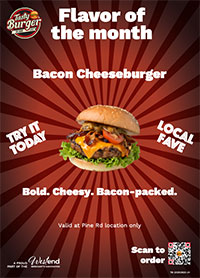 | Burger chain posters See how a local burger chain can create personalized signage to promote manager’s specials | Watch the how-to video (English only) |
Fiery cutsheet and high-speed inkjet applications
| Application | Description | How-to video |
|---|---|---|
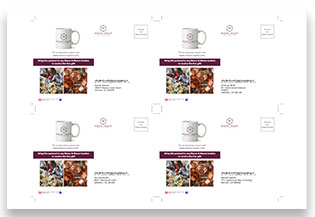 | Multi-up masters See how easy it is to add personalization to a pre-imposed master PDF | Watch the how-to video (English only) |
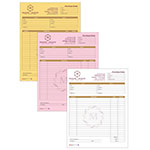 | NCR See how easy it is to create NCR forms (uncollated or pre-collated). | Watch the how-to video (English only) |
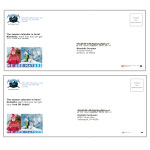 | Envelope See how easy it is to create personalized envelopes | Watch the how-to video (English only) |
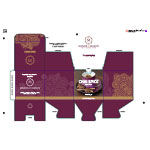 | Personalized package Create a personalized tea box that includes the recipient’s name and a tracking barcode. | Watch the how-to video (English only) |
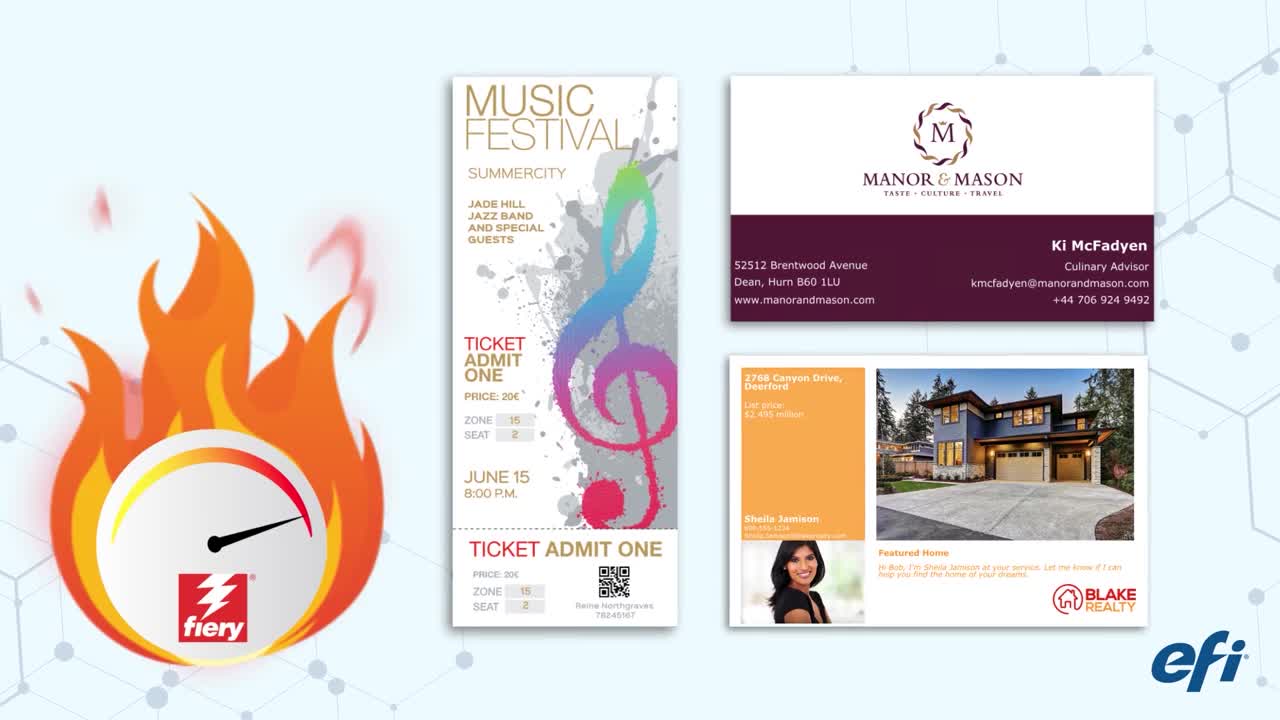
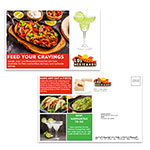 | Restaurant postcard Create a postcard for a restaurant promoting takeout/delivery services with personalized text and barcodes. | Watch the how-to video (English only) |
 | Salon postcard Create a postcard for a salon promoting a grand opening with personalized text, barcodes, and images. | Watch the how-to video (English only) |
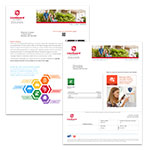 | Statement Create a statement with spot colors and personalized text, images, and barcodes. | Watch the how-to video (English only) |
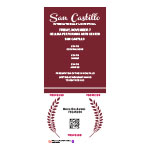 | Ticket with clear toner Add variable content using clear toner as a security feature. Requires a supported Fiery Driven printer. | Watch the how-to video (English only) |
 | Ticket with two specialty colors Create a ticket that includes two different specialty colors in the master and variable content. Requires a supported Fiery Driven printer. | Watch the how-to video (English only) |
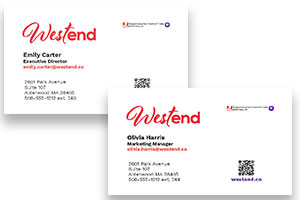 | Business card Create business cards using variable text fields. | Watch the how-to video (English only) |
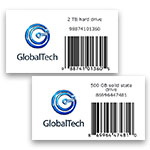 | Product labels with barcodes Create product labels that include barcodes. | Watch the how-to video (English only) |
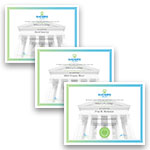 | Diploma Easily create personalized diplomas using variable text fields | Watch the how-to video (English only) |
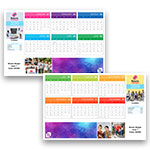 | Personalized calendar Use variable text and images to create personalized calendar for employees around the world | Watch the how-to video (English only) |
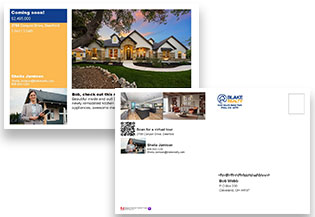 | Real estate postcard Use variable text, images, and barcodes to create personalized postcards. | Watch the how-to video (English only) |
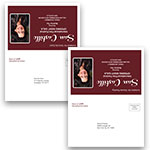 | Invitation flyer Use variable text fields to turn a static flyer into a personalized invitation. | Watch the how-to video (English only) |
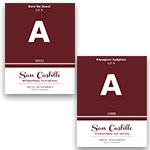 | Parking pass Add variable text fields to a parking pass for enhanced security. | Watch the how-to video (English only) |
 | Appointment reminder postcard Use variable text fields to create a personalized appointment reminder postcard. | Watch the how-to video (English only) |
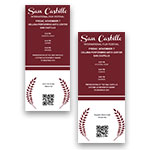 | Ticket Add variable text fields and a QR code to an event ticket for enhanced security | Watch the how-to video (English only) |
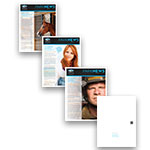 | File merge newsletter Newsletter with personalized content for 3 different audiences. Use the file merge workflow to select the appropriate cover from the master, and merge the variable content into the final file. | Watch the how-to video (English only) |
FreeForm Create samples
Get started with VDP today using Fiery FreeForm Create
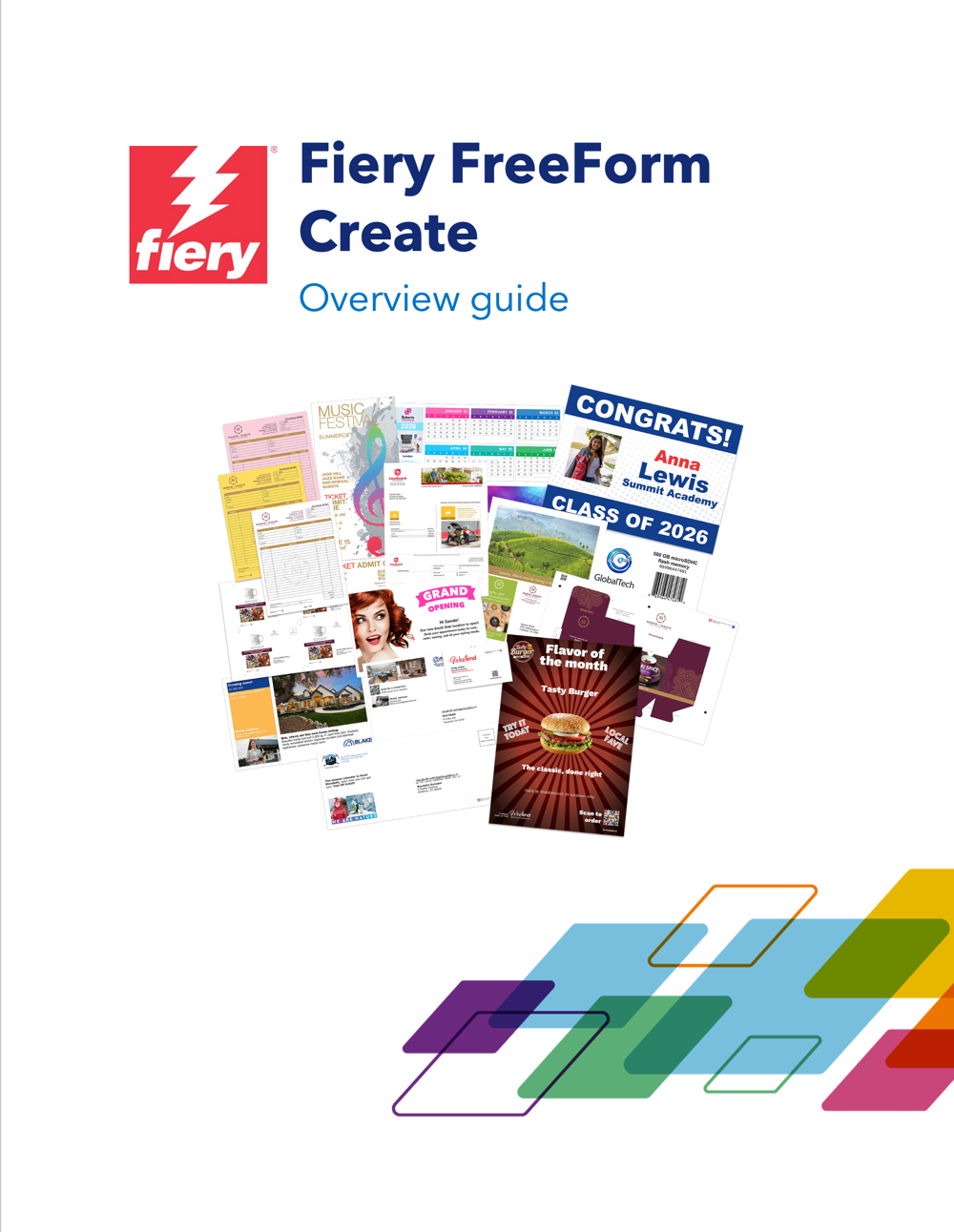
Discover what’s possible with Fiery FreeForm Create through a free collection of sample applications, templates, and other resources. Explore real-world examples featuring variable text, images, barcodes, and more.
Along with editable sample files, you’ll receive a guide packed with tips, tricks, and best practices to help you get started quickly and work more efficiently.
Resources
Specifications
To print files from Fiery FreeForm Create on a Fiery Driven printer
| 2.0, 2.5 | 1.5, 1.4, 1.3 | 1.2 and previous | |
| Fiery system software support | Fiery FS200 Pro/FS200 and newer | Fiery FS150 Pro/FS150 and newer | System 10 and newer |
| Fiery XF support | Fiery XF 9 and newer | Not supported | Not supported |
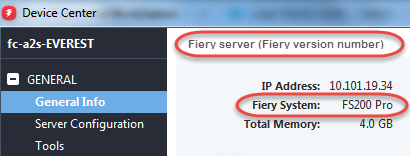
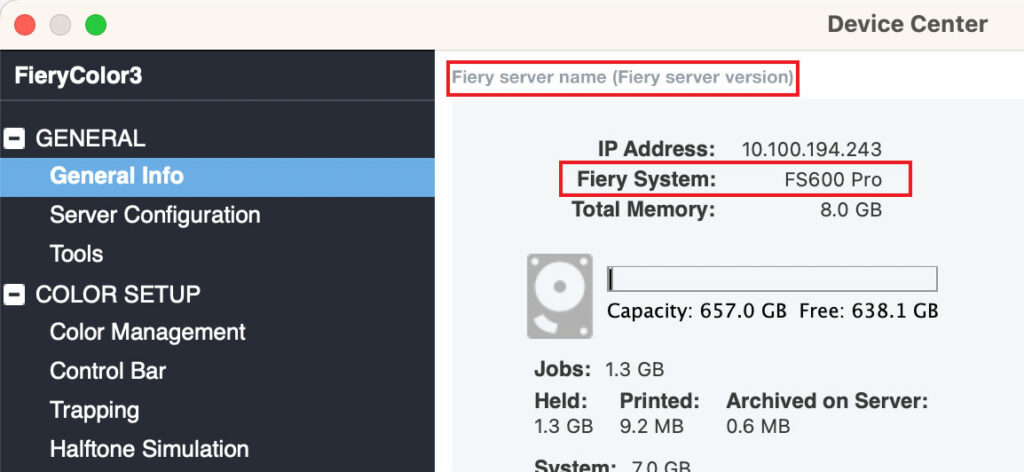
How do I find my Fiery system software version?
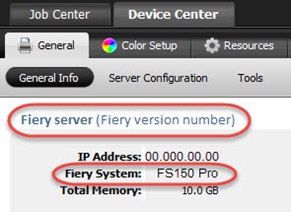
Your Fiery System version is listed in the Device Center General Information tab in Fiery Command WorkStation. This information also is accessible on the Fiery configuration page printed via the Fiery server.
To use the FreeForm Create application
View full client specifications.
World of Fiery Webinars
World of Fiery Webinars
Stay up to date on the latest products and solutions with convenient webinars, presented by subject-matter experts

Datasheets
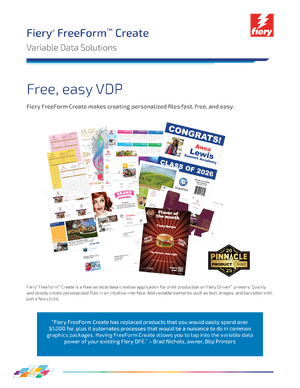
Fiery FreeForm Create datasheet
Information on Fiery FreeForm Create, a free, stand-alone VDP creation application
Fiery Samples How-to Guides
Prepare and print a personalized newsletter using Fiery FreeForm Create
Utilize Fiery FreeForm Create to create a personalized newsletter that includes variable images, text, and barcodes.
Using Fiery FreeForm Create to generate personalized tickets with unique numbers
Utilize Fiery FreeForm Create to create personalized tickets that include static and variable text.
Other Resources
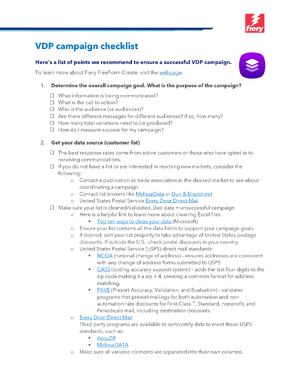
Fiery VDP checklist
Use this handy list to prepare your own personalized campaigns.
FreeForm Create specifications
To print files from FreeForm Create (PSPs):
- Fiery server (external or embedded) running FS150 or newer software
- Fiery API must be installed on your Fiery server (learn more here)
To use the FreeForm Create application (PSPs, designers, creatives, marketers, etc):
- View FreeForm Create client specifications
How do I find which Fiery System and Fiery server version I have?
Your Fiery System version is listed in the Device Center General Information tab in Command WorkStation. This information also is accessible on the Fiery configuration page printed via the Fiery server.
Command WorkStation 5:
Command WorkStation 6: