
 Português
 Deutsch
 English (UK)
 Español
 Français
 Italiano
 日本 (日本語)
 中国大陆 (简体中文)
Digital Factory – Direct To Film Edition
Complete RIP and production workflow for high-quality direct-to-film printing
High-fidelity color. Optimized
workflows for DTF production.
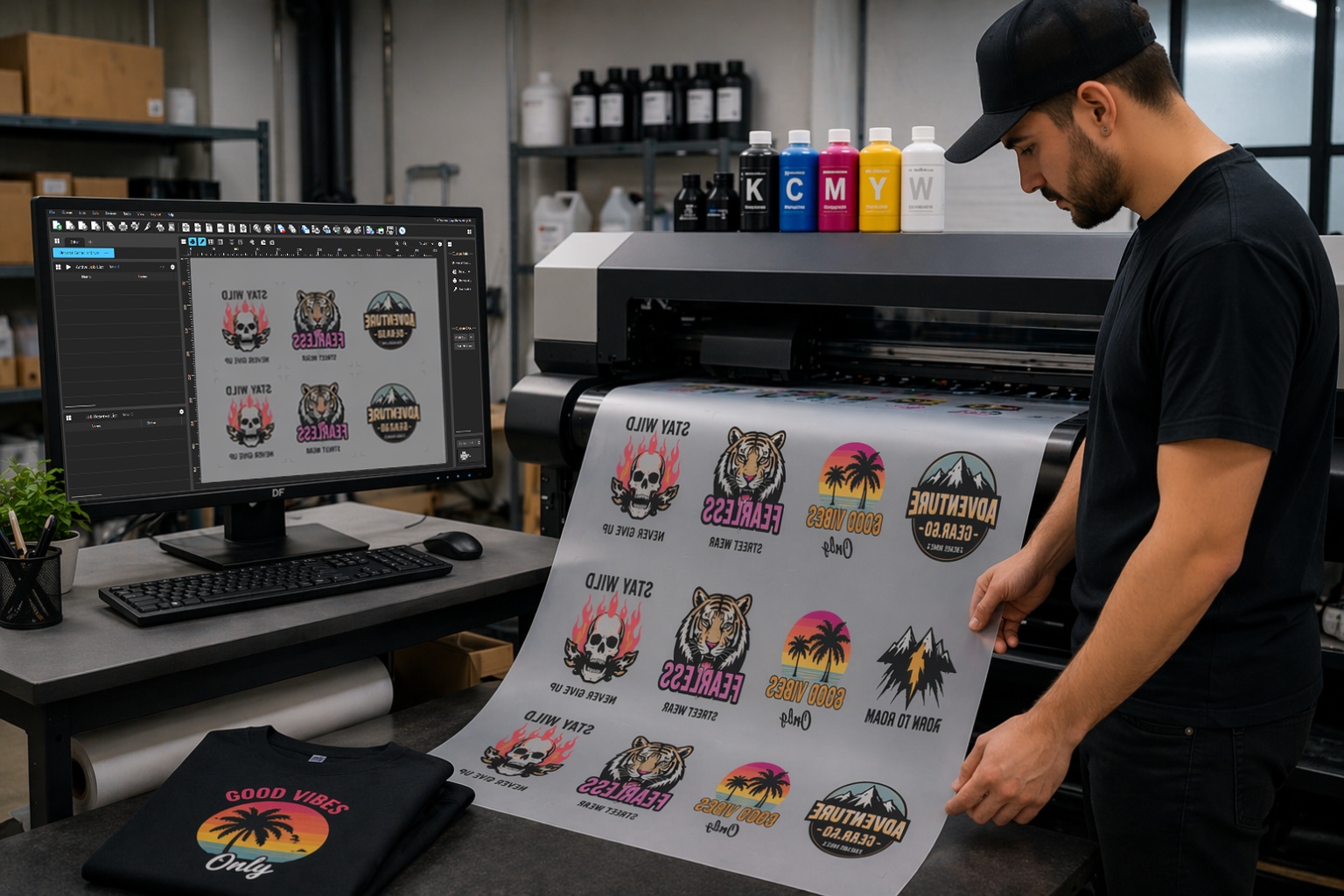
Deliver exceptional results with RIP software built specifically for DTF printing. Digital Factory simplifies the entire production process from artwork setup to final output, giving you full control and accurate color for vibrant, high-impact transfers. Whether you’re using a desktop printer or managing a larger operation, this solution helps you print faster, reduce waste, and maintain consistent quality.

Introducing Digital Factory 12

Overview
Digital Factory RIP software provides a complete DTF production workflow, combining advanced color management, file preparation, and automation in a single platform. Built to support virtually all commonly used digital printers and cutters, it delivers consistent, professional results from start to finish.
Available in two editions to fit your production needs:
- Desktop Edition – Ideal for users with small-format desktop printers up to A2 or 18″ (45.72 cm) roll width. Designed for entry-level and mid-tier setups.
- Production Edition – Supports high-volume workflows, production-class printers, and a broader range of printer models.
Both editions include the same intuitive interface, powerful queue management, and precision color tools that set Digital Factory apart.
What’s New
Gang Sheet Builder – Enhanced in 12.1
Create your gang sheets directly within Digital Factory—no extra tools, no extra costs. Designed for workflows of any size, it enables bulk import of designs, layout organization using nesting or free-form, and automatic cropping. Add labels and notes, and preview designs in real time. Once created, gang sheets can be sent directly to the queue or saved for recurring orders—all within a single, fully integrated workflow.
Multi-lane Printing – New in 12.1
Optimize media usage and boost productivity with multi-lane printing. Divide wide-format media into independent lanes to allow multiple jobs to run in parallel. Define the number of lanes, their size, and the spacing between them to efficiently process multiple customer orders simultaneously.
Fluorescents as process colors – New in 12.1
Achieve vibrant, eye-catching prints with natural blends and consistent color results using fluorescent inks fully integrated into the printer’s color gamut—no manual spot color setup required.
Saturation Rendering Intent
A new rendering intent designed for the DTF and textile market. It enhances vibrancy—especially in midtones— while preserving natural detail in skin tones. This RIP‑level improvement is selectable within the standard color management controls.
Precision Color with the Fiery Color Profiler (Add-on)
Professional ICC profiling comes to Digital Factory. Powered by the same technology behind Fiery Edge™, this new add-on module enables precise printer calibration using supported spectrophotometers. Digital Factory 12 sets a new standard for color management across the platform.
Enhanced markup system for smarter finishing
The updated markup system brings more control to every stage of production. New features include multi-side job labels, pull-cut indicators, print length tracking, and individual mark rotation. Together, these upgrades streamline cutting, pressing, and post-print tasks—ensuring greater accuracy from layout to final output.
Add-ons
With Digital Factory add-on modules, you can add expanded tool sets or printer support and features to meet changing business needs and emerging new markets.
Fiery Color Profiler
The Fiery Color Profiler is an optional module for Digital Factory 12 that enables professional-level color calibration. Built on the same advanced engine used in Fiery’s color technology, it helps deliver consistent, repeatable color output.
Buy as an add-on
FluidMask
FluidMask integrates seamlessly into Digital Factory to let you remove unwanted image backgrounds with precision and speed. This module adds intuitive edge-detection and fine-detail selection tools to simplify image masking—right from within your existing Digital Factory environment.
Buy as an add-on
Automatic Job Sorter (AJS)
AJS lets you define file sorting rules by name, folder, or production criteria. Files are imported, categorized, and sent to the correct output queue without manual input—ideal for high-volume or multi-printer workflows.
Buy as an add-on
Digital Factory Contour Cutting Module
The Contour Cutting Module extends your Digital Factory software with powerful, professional-grade contour cutting capabilities. Ideal for users working with direct to film, sublimation, and other specialty print workflows, this module enables seamless print-and-cut production using supported cutters and devices.
Buy as an add-on
Digital Factory DeviceLink Module
The DeviceLink Module allows users to extend and refine existing ICC profiles for better cross-device color consistency. Convert color spaces, fine-tune output by adjusting hue, saturation, and other parameters, and ensure reliable results across different printers and substrates—all from within Digital Factory.
Buy as an add-on
DeviceLink and InkSaver Module
This module combines the powerful DeviceLink engine with advanced InkSaver capabilities—designed to optimize both color consistency and production efficiency. Standardize output across multiple devices while also reducing ink usage by intelligently reprofiling color without visible loss in quality.
Buy as an add-on
Digital Factory Direct to Film Production Add-On Printer
This add-on unlocks one additional Direct to Film (DTF) printer within your current Digital Factory DTF Edition environment. Ideal for growing operations that need to scale up production without purchasing a separate full license.
Buy as an add-on
Digital Factory Direct to Film Desktop Add-On Printer
This add-on enables support for one additional DTF printer within your existing Digital Factory DTF Desktop Edition license. It’s ideal for small businesses looking to increase throughput without upgrading to the full Production Edition.
Buy as an add-on
Resources
Datasheets
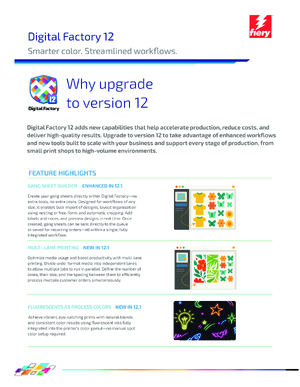
Digital Factory 12.1 Datasheet
Datasheet for new version of Digital Factory 12.1
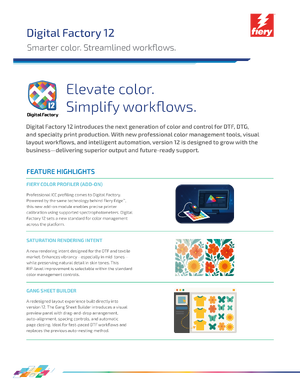
Download
The latest, and previous versions of Fiery Digital Factory can be found at the Fiery Download Center.