

 Português
 Deutsch
 English (UK)
 Español
 Français
 Italiano
 日本 (日本語)
 中国大陆 (简体中文)
Fiery ImageViewer
Preview and color correct RIPped files
Overview
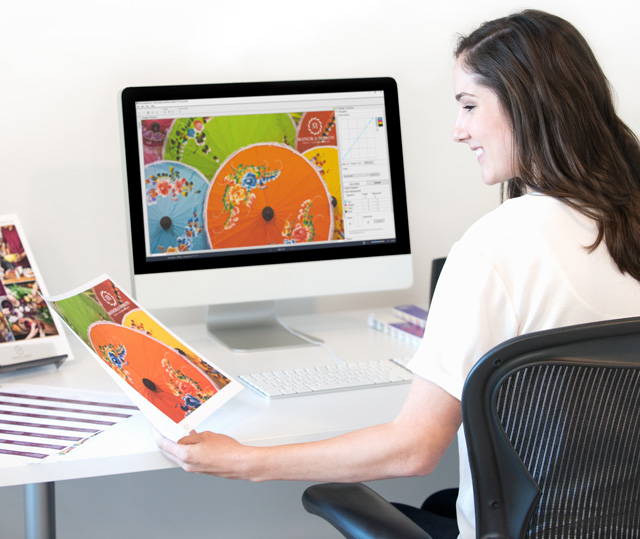
Confident, pixel-perfect printing – before you hit “Print”
Fiery ImageViewer gives you total control over final output with powerful soft proofing, real-time color editing, and AI-powered object-level corrections. View RIPped jobs at full resolution, zoom to the pixel level, and catch costly errors before they hit the press. Whether you’re verifying color accuracy, making color corrections, fixing alignment, or getting fast client approvals, ImageViewer helps you deliver flawless results—every time.

What’s new
New features in Fiery Command WorkStation 7.3
Get more details here.
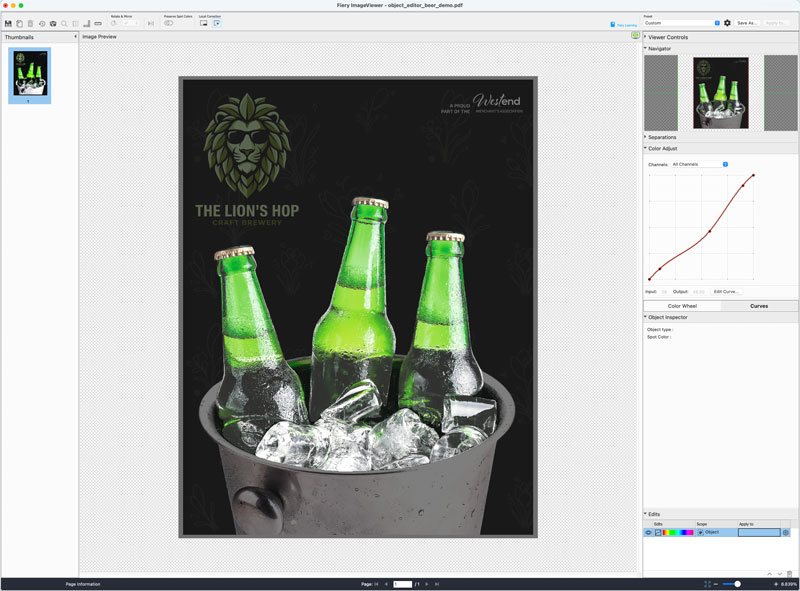
Object Editor
Requires Fiery FS800 Pro/FS800 software
Use AI-powered object detection in Fiery ImageViewer to automatically identify and isolate individual objects on a page, so you can make precise color corrections without returning to design applications or re-RIPping files.
Learn more
Watch the video
Features
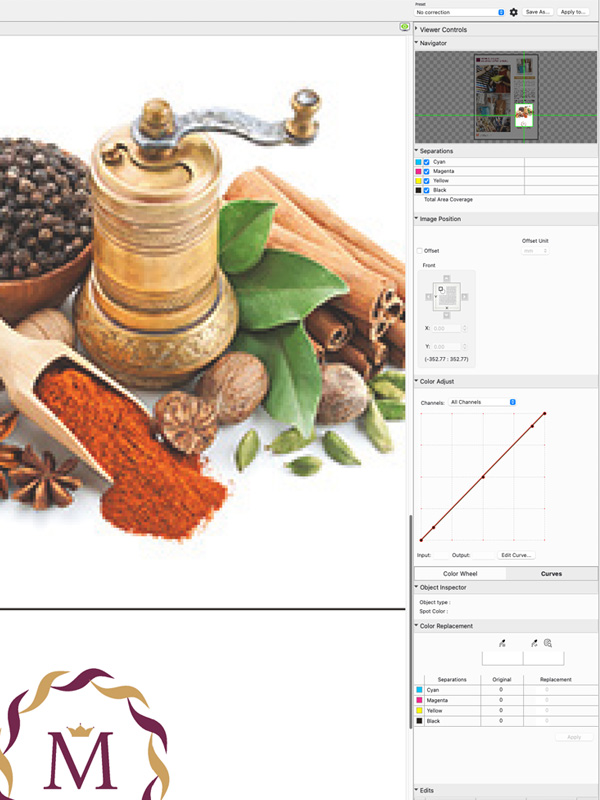
Inspect with confidence
Prevent undetected file issues from making it to press
- Preview exactly what will print—RIPped at full resolution.
- Catch costly errors early before they waste time and materials
- Zoom to the pixel level for total output assurance
- Make color and image adjustments without re-RIPping to keep production flowing
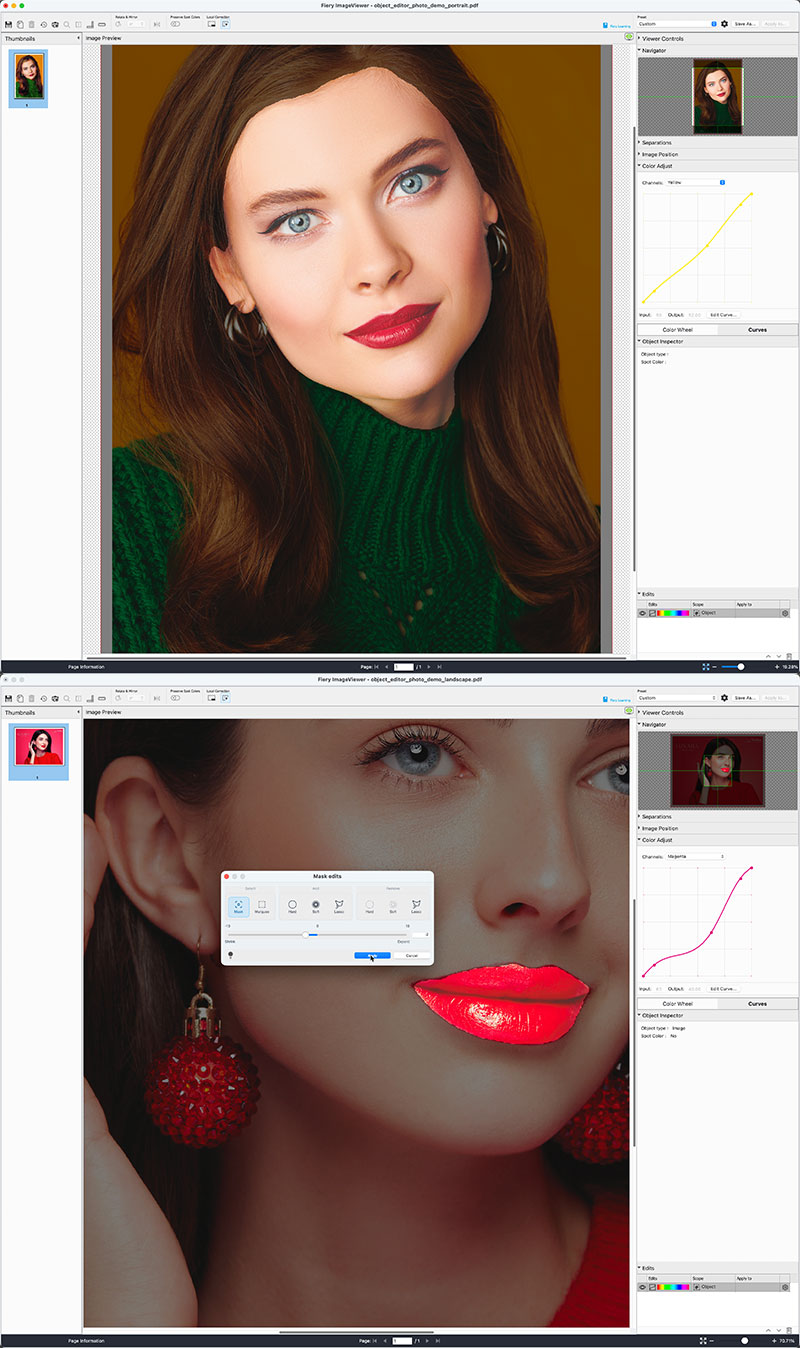
Bottom: refine mask for even more precise correction
AI-powered, Photoshop-style editing
Make sophisticated object-level color corrections3 directly on RIPped files. See it in action.
- Correct only the content that needs adjustment
- Reduce rework and unnecessary reprints
- Make edits directly within the Fiery workflow – no external design applications required
- No re-RIP required before printing
- Accessible to everyday Fiery users
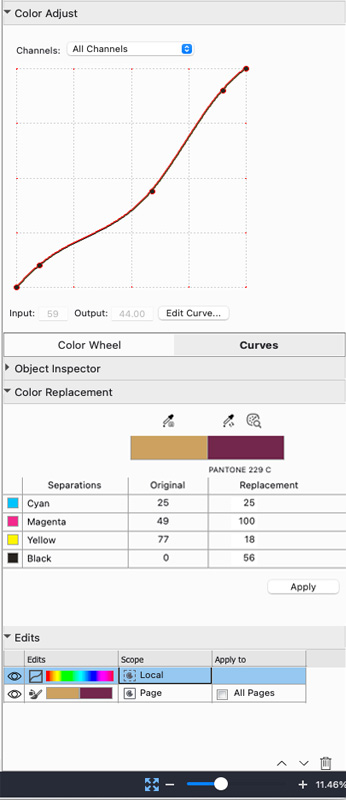
Real-time color corrections
Optimize color across an entire page, job, or specific region
- Adjust color curves at the page or job level. See it in action.
- Fine-tune specific areas of a page with local curve control1. See it in action.
- Replace colors on a page or in a specific area. Use the eyedropper for a visual match, or choose from the Fiery server’s spot color libraries1. See it in action.
- Preserve spot colors while making color adjustments2. See it in action.
- Apply saved presets for consistent results across similar jobs. See it in action.
- Preview edits instantly with a live before-and-after view. See it in action.
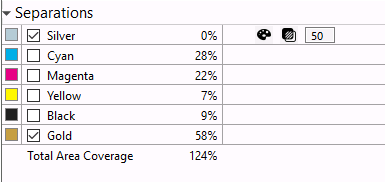
Accurate color and separation checks
Help prevent waste of costly toner/ink or media
- Isolate separations to verify each color
- Ensure premium colors, like specialty or expanded gamut colors, print correctly
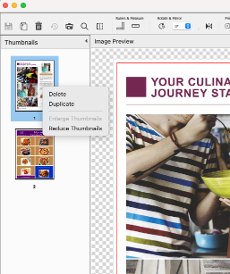
Page management made easy
Simple page edits, right in ImageViewer
- Quickly remove, reorder, or duplicate pages without going back to prepress
- See individual records in VDP jobs for full visibility
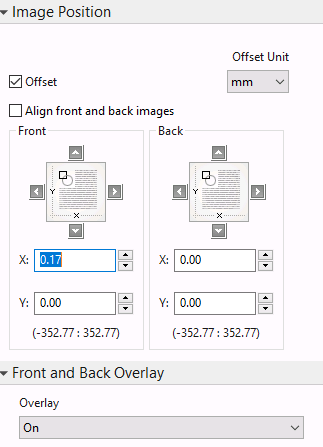
Perfect alignment, every time
Ensure correct image placement and alignment
- Visual placement tools confirm layout accuracy
- Use rulers and measurement tools for exact positioning
- View sheet margins and non-imageable areas
- Fix front-to-back misalignment on the fly with visual image shift2. Watch the video
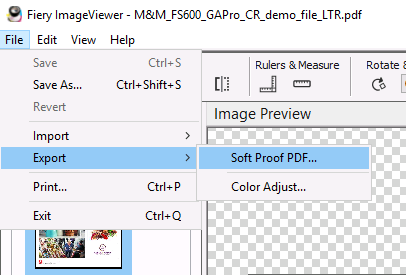
Soft & hard proofs in one click
Shorten and simplify client proofing
- Generate press-accurate soft proofs to speed up approvals
- Print a physical proof directly from ImageViewer to show the client exactly what they will receive
1 Requires Fiery FS400 Pro/FS400 or newer software
2 Requires Fiery FS600 Pro/FS600 or newer software
3 Requires Fiery FS800 Pro/FS800 or newer software
Specifications
Fiery ImageViewer is part of the following optional Fiery software packages.
- Fiery Graphic Arts Pro Package for Windows-based Fiery servers running FS400 Pro or newer software
- Fiery ColorRight Package for Linux-based Fiery servers running FS400 or newer software
- Fiery Graphic Arts Package, Premium Edition for Windows-based Fiery servers running FS200 Pro, FS300 Pro, or FS350 Pro software
- Fiery Productivity Package for Linux-based Fiery servers running FS350 or earlier software
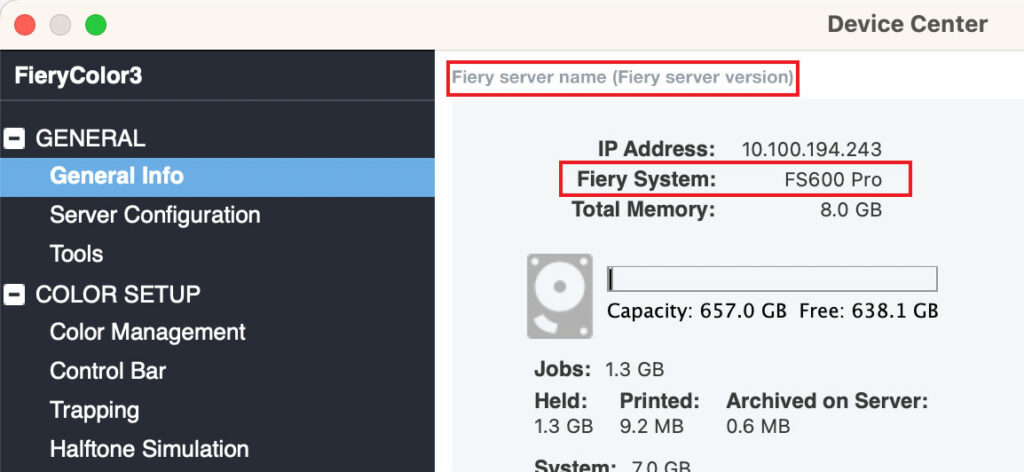
How do I find my Fiery system software version?
Your Fiery System version is listed in the Device Center General Information tab in Fiery Command WorkStation. This information also is accessible on the Fiery configuration page printed via the Fiery server.
Resources
Featured videos
ImageViewer product demo
Color replacement
Color correction options
Preserve spot colors when editing curves
Brochures
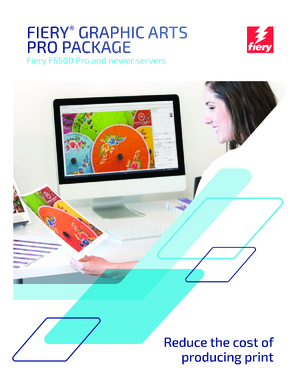
Fiery Graphic Arts Pro Package brochure (Fiery FS500 Pro and newer servers)
Get the job right the first time. Fiery Graphic Arts Pro Package provides expert tools right on the Fiery server to identify and correct print production problems before they result in rejected jobs and wasted clicks. Includes Fiery Preflight Pro, Fiery Spot Pro, Fiery ImageViewer, Fiery Postflight, and Fiery Control Bar.
Datasheets
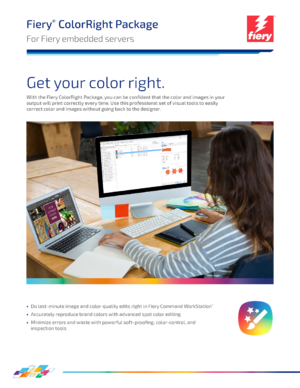
Fiery ColorRight Package datasheet
With the Fiery ColorRight Package, you can be confident that the color and images in your output will print correctly every time. Use this professional set of visual tools to easily correct color and images without going back to the designer.
Fiery Samples How-to Guides

Use tools in the Fiery ColorRight Package to easily correct color and images
Use the Fiery ColorRight Package to easily correct color and images in files. Check a file for errors using Fiery Postflight. Manage, import, and optimize spot colors in Fiery Spot Pro. And, make color adjustment and replacements in Fiery ImageViewer. (FS500 or newer embedded servers)
Use tools in the Fiery Graphic Arts Pro Package to adjust color and troubleshoot file issues (FS600 Pro)
Fiery Graphic Arts Pro Package includes tools to help identify and correct print production problems before they result in rejected jobs and wasted clicks. Fiery Preflight Pro provides the ultimate set of PDF preflight and quality control checks. Fiery Postflight is a visual tool to help diagnose and fix file element errors. Use Fiery Spot Pro to ensure brand color accuracy. And, with Fiery ImageViewer, view and edit raster files and make color adjustments and replacements, with no need to go back to prepress or the designer.