
 Português
 Deutsch
 English (UK)
 Español
 Français
 Italiano
 日本 (日本語)
 中国大陆 (简体中文)
Fiery Servers
Fiery servers provide industry-leading performance, color accuracy, usability, and integration that improve the quality and efficiency of digital printing — and allow you to profitably provide a wider range of print services.
Overview
More than just a RIP
A Fiery® digital front end (DFE) is a high-performance appliance designed to drive print engines and provide industry-leading performance; accurate, consistent color; plus unmatched usability and integration that enable the quality and efficiency necessary for a wide range of print environments.
With more than 30 years of constant innovation, Fiery DFEs are the industry standard and the most popular choice in production and industrial print environments across multiple industries. Fiery DFEs drive the widest range of print technologies, from the manufacturing of commercial documents, signage and packaging to textiles, ceramic tiles, building materials, and more.
Fiery DFEs include standard and proprietary components, in both software and hardware, specially designed and configured to maximize performance for a specific print engine.
Industry-leading performance
In the race to the future, Fiery leads the way.
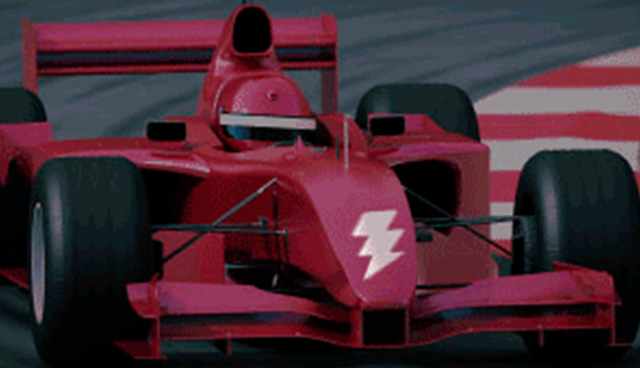
If a high-end Fiery DFE was a video streaming server, it could process and stream about one hundred HD movies per minute!
Have you ever wondered what makes a Fiery digital front end the fastest in the industry? In this white paper, you’ll get a technical overview of the exclusive Fiery technology that powers industry-leading performance. You’ll learn how:
- Fiery DFEs are specially designed and customized to maximize performance for a specific print engine.
- Unparalleled processing speeds help operators push more data to print engines faster, reducing engine warm-up and cycle-down modes, which saves valuable press time
- A Fiery DFE takes full advantage of custom-designed microprocessors, proprietary file-compression algorithms, and efficient memory management to produce industry-leading performance.
- Fiery DFE technology can be easily scaled to power everything from an office printer up to the highest production inkjet presses.
Intelligent HyperRIP technology
Intelligent HyperRIP automatically switches between single-job and multiple-job Fiery HyperRIP job processing modes based on a file’s characteristics for faster processing, either splitting a single job into multiple parts, or processing multiple short jobs simultaneously.
Fiery DFE offerings
Hardware-based DFEs
Fiery offers a wide range of DFEs that include fully customized hardware and software designed to drive a specific press at maximum capacity.
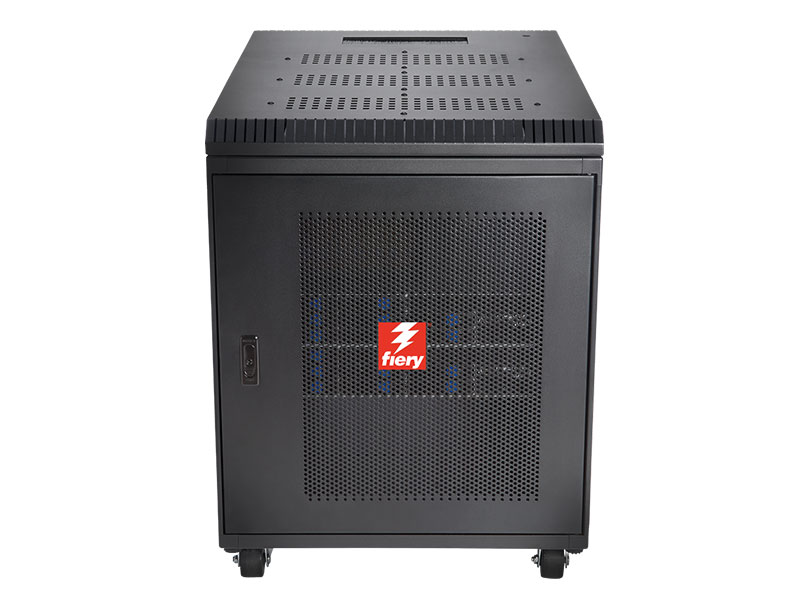
Fiery XB
The Windows-based Fiery XB platform is based on a high-performance blade-based hardware architecture. It’s designed for ultra-high production industrial and commercial inkjet presses.
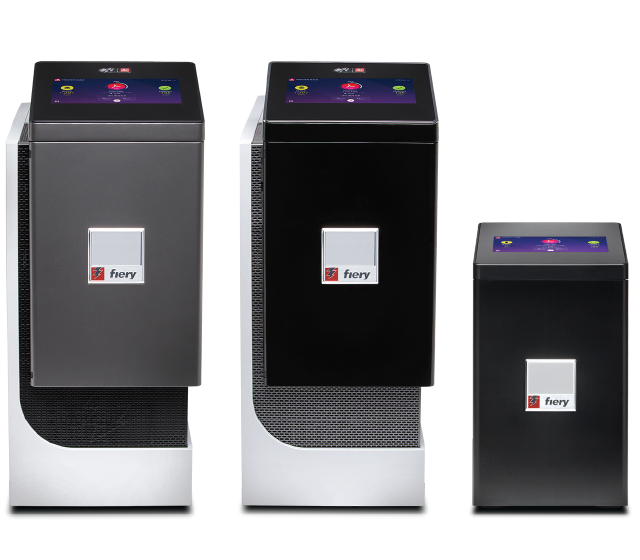
Fiery NX Servers
Windows-based Fiery NX servers drive a wide range of print engines and offer an industrial design precisely crafted with the Fiery operator in mind. Learn more about the Fiery NX server family and the Fiery NX Stations.
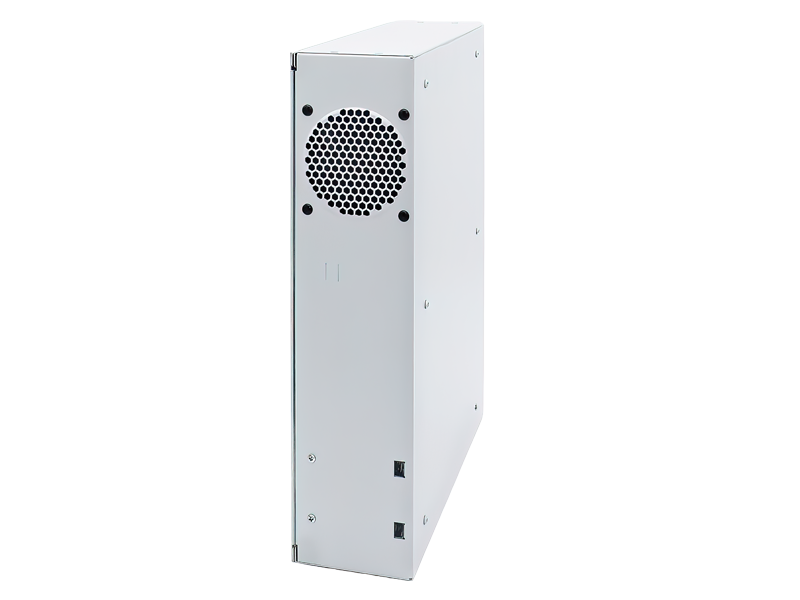
Fiery LX Pro
The Linux-based Fiery LX Pro is designed for customers who prioritize low maintenance and stability over frequent security updates, and also require CMYK+ printing capabilities.
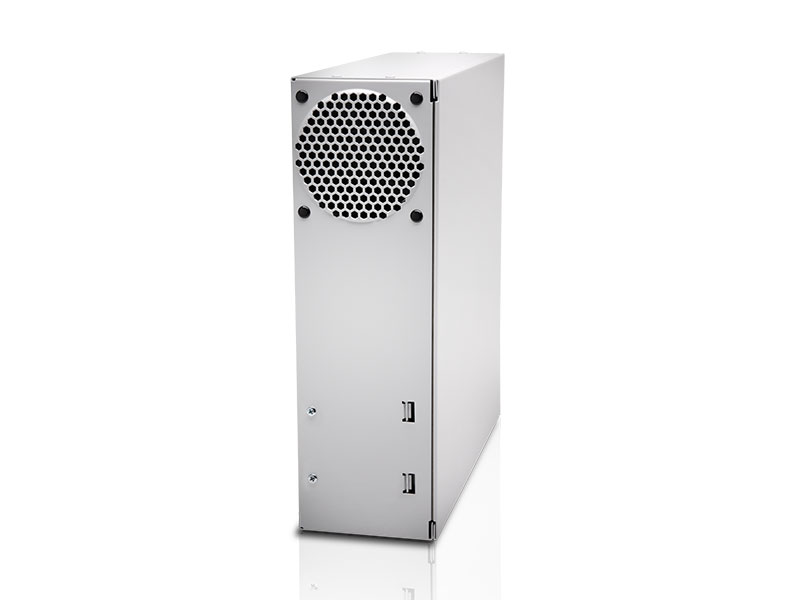
Fiery E-Series
The Linux-based Fiery E-series is suited for both office/workplace and light production environments.
Software-only DFEs
Fiery software-only DFEs are designed to drive a wide range of presses, including industrial inkjet presses, proofers, and large format printers, with little to minimal customization required.

Fiery Impress
Fiery Impress combines the streaming speed, image quality, brand color accuracy, and automation customers need with the flexibility press manufacturers require to drive any industrial inkjet press and integrate with any workflow.
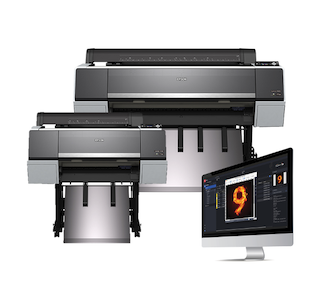
Fiery XF
Fiery XF provides powerful RIP, color management, and workflow capabilities for large format print production.
Fiery software
Fiery system software brings intelligence, automation, and precision to every stage of digital print production. It simplifies complex setup with advanced color management, optimizes jobs with built-in automation and native PDF processing, and keeps production running reliably with enterprise-grade security and performance. The result is consistent, high-quality output, less manual intervention, and a more efficient, profitable print operation.
Fiery FS700 Pro
The Fiery FS700 Pro platform powers print with confidence, control, and efficiency, helping print providers meet the demands of modern production while preparing for what’s next. FS700 Pro delivers the reliability, security, and performance you need to keep production running at its best.
Feature highlights
- Built for resilience with advanced backup, quick recovery, and faster installs
- Meets the highest standards of data protection with built-in compliance, encrypted communication, and a new Linux hardware platform
- Faster Fiery apps and simplified job submission to keep you productive, with quick restarts that minimize interruption
- Ensures predictable results with smarter imposition, precise alignment, and intelligent scheduling for complex jobs
- Achieves standout results with enhanced specialty color sharing, refined image quality for black & white presses, and the latest Adobe PDF Print Engine and PANTONE libraries
- Simplifies control and collaboration with seamless cloud integration for modern, connected workflows
For complete details, view the what’s new guide.
Fiery system software documentation
Use these documents to learn more about useful features included in your Fiery server software.
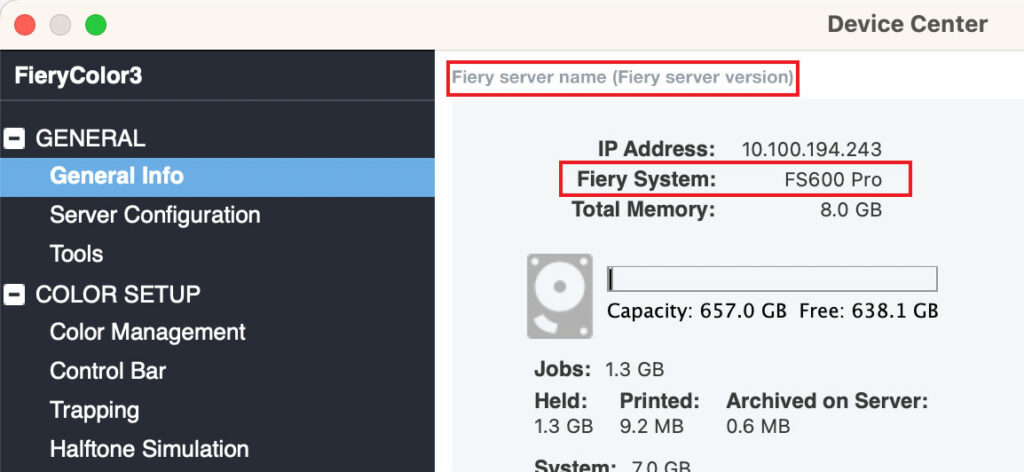
How do I find my Fiery system software version?
Your Fiery System version is listed in the Device Center General Information tab in Fiery Command WorkStation. This information also is accessible on the Fiery configuration page printed via the Fiery server.
| ||||||||||
| ||||||||||
| ||||||||||
| ||||||||||
| ||||||||||
| ||||||||||
| ||||||||||
| ||||||||||
| ||||||||||
| ||||||||||